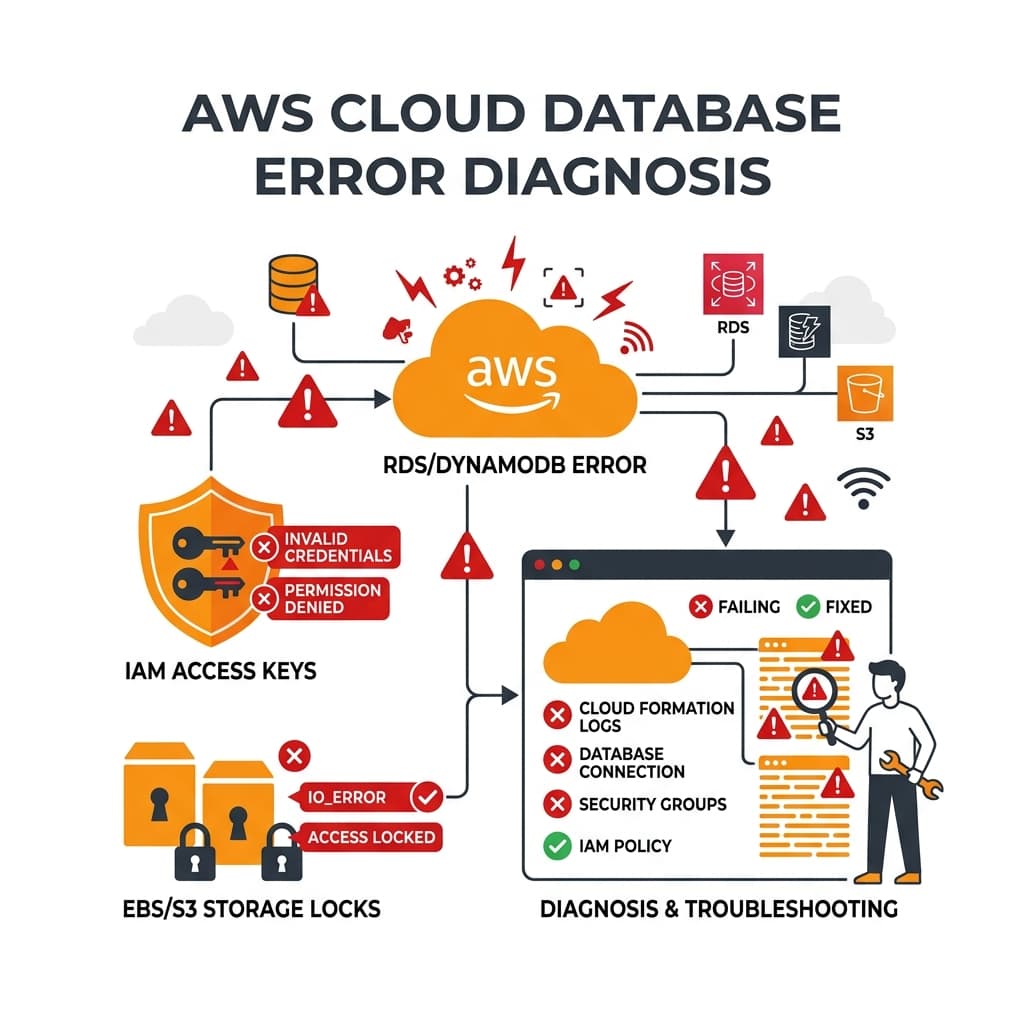
Amazon Web Services (AWS) powers a significant portion of the modern web, offering a massive array of cloud-native computing, database, and storage products. Yet, configuring cloud infrastructure is complex. Access controls, bucket names, endpoint configurations, and request limits are common points of failure.
When you receive an AWS SDK exception, parsing the exact code helps determine whether you have an authentication failure, resource misconfiguration, or API limit bottleneck. In this guide, we break down 30 critical AWS errors and detail how to remediate them.
Category 1: IAM & Security Errors (1–8)
Identity and Access Management (IAM) governs authentication and authorization. Stale tokens, bad signatures, or incorrect permission policies trigger these exceptions.
- AccessDenied: The active IAM principal lacks permissions to execute the requested API action on the target resource.
- ExpiredToken: The session token used for temporary STS, IAM Role, or AWS SSO credentials has expired and must be refreshed.
- InvalidClientTokenId: The AWS Access Key ID specified in your configuration is invalid or does not exist.
- SignatureDoesNotMatch: The cryptographic request signature generated by your client does not match the signature calculated by AWS. Usually means the Secret Access Key is incorrect or URL parameters are malformed.
- CredentialsNotResolved: The AWS SDK was unable to locate credentials in any of the standard locations (environment variables, shared config file, EC2 instance metadata).
- MissingAuthenticationToken: The HTTP request was sent to an AWS API endpoint without an Authorization header or signature token.
- UnrecognizedClientException: The client token used in the request header is unrecognized or malformed.
- AccessDeniedException: A service-specific variation of AccessDenied, raised during operations on resources like ECS, Lambda, or DynamoDB.
Category 2: Amazon S3 Storage Errors (9–15)
Errors related to Amazon Simple Storage Service (S3) bucket name namespaces, lifecycle policies, and key object retrieval.
- BucketAlreadyExists: The requested bucket name is already owned globally by another AWS account.
- BucketAlreadyOwnedByYou: The requested bucket name already belongs to your active AWS account.
- NoSuchBucket: The S3 bucket name specified in your SDK call does not exist.
- NoSuchKey: The S3 object key (file path) specified does not exist within the target bucket.
- InvalidBucketName: The bucket name violates DNS conventions (e.g. contains uppercase letters, underscores, or invalid length).
- AllAccessDisabled: The bucket permissions are configured in a way that blocks all client actions, typically due to aggressive public access block configurations.
- RequestTimeTooSkewed: The local client system clock differs from the AWS server clock by more than 15 minutes, causing security signatures to be rejected.
Category 3: EC2 & VPC Networking Errors (16–22)
Errors encountered when configuring virtual servers (EC2), virtual networks (VPC), and block storage (EBS).
- InstanceLimitExceeded: The AWS account has reached the maximum permitted limit of running EC2 instances or vCPUs in the active region.
- KeyPairNotFound: The SSH key pair name specified during EC2 creation does not exist in the active AWS region.
- SecurityGroupLimitExceeded: Attempting to create more security groups or add more rules than permitted by region VPC limits.
- VpcLimitExceeded: The account has reached the maximum limit of Virtual Private Clouds (VPC) permitted in the active region.
- VolumeLimitExceeded: EBS block storage capacity or IOPS allocations have exceeded regional account limits.
- NetworkInterfaceLimitExceeded: The maximum number of Elastic Network Interfaces (ENI) has been exceeded for the target subnet.
- IpAddressLimitExceeded: The maximum limit of Elastic IP (EIP) allocations has been reached for the active region.
Category 4: Database & API Throttling Errors (23–30)
Rate limits and validation exceptions triggered by high-concurrency client requests.
- ThrottlingException: The request rate exceeds the default API limit allocated to your account in the active region.
- RequestLimitExceeded: The number of concurrent API requests exceeds the processing capacity limit of the target AWS resource.
- ProvisionedThroughputExceededException: The request rate on a DynamoDB table exceeds the provisioned Read/Write Capacity Units (RCUs/WCUs).
- ResourceNotFoundException: The target AWS resource (e.g. DynamoDB table, KMS key, RDS database) could not be located in the specified region.
- ValidationException: The parameters passed in the API request failed structure or type validations on the AWS server side.
- LimitExceededException: The requested operational change (such as creating an AWS resource or modifying bandwidth) exceeds resource allocation limits.
- ConcurrentModificationException: Triggered when a resource modification fails because another modification was executed concurrently.
- ServiceUnavailable: The target AWS service endpoint is temporarily unable to process the request due to server overload or transient downtime.
Checking Cloud Logs and API Health
When diagnosing AWS API errors, follow this diagnostics checks list:
- Run AWS CLI commands with the
--debugflag to view raw HTTP requests and response XML payloads. - Examine AWS CloudTrail event logs to check exactly which IAM permission was missing during an AccessDenied event.
- Ensure local clock synchronization (NTP) is running. Stale local timestamps will trigger request signatures to fail.