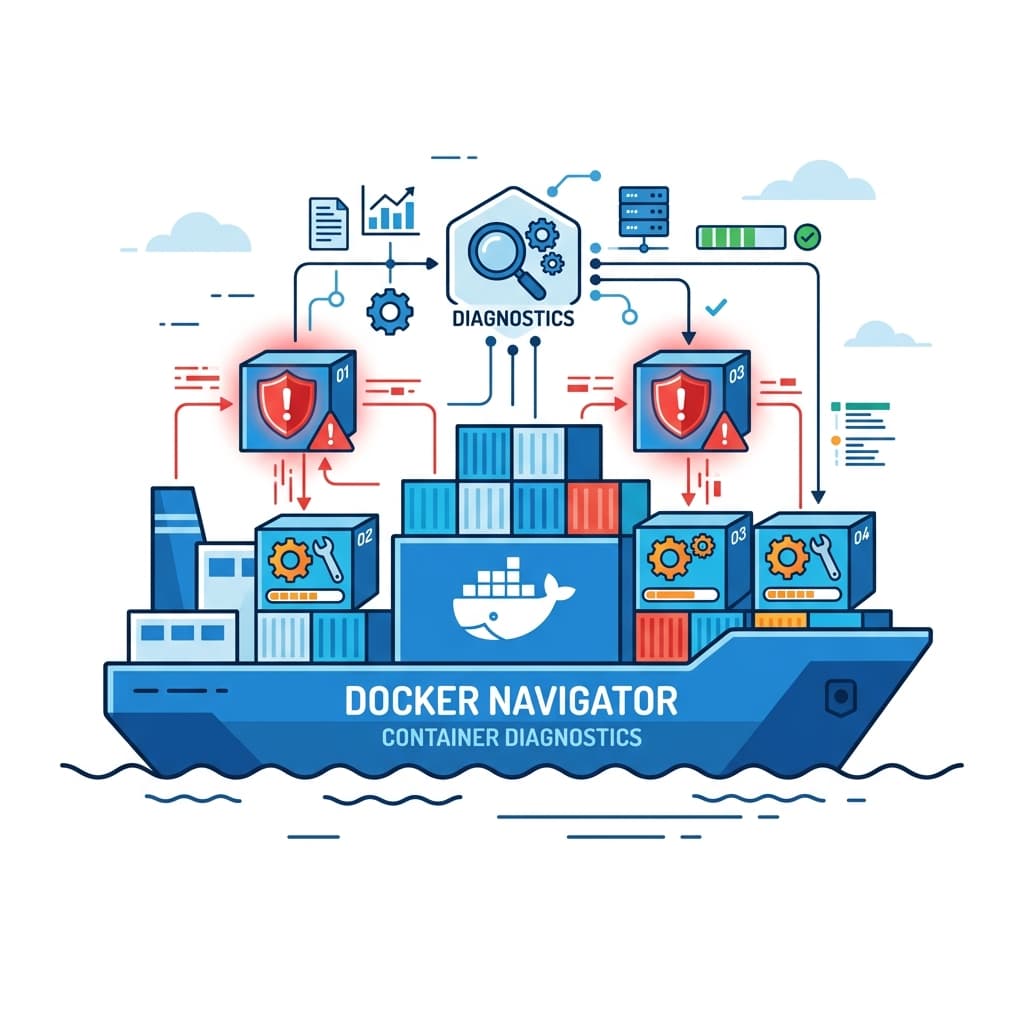
Docker has revolutionized software engineering by standardizing the way applications are packaged, shipped, and run across environments. By encapsulating code inside lightweight containers, Docker solves the "it works on my machine" problem.
However, containerization brings its own set of hurdles. Sockets, file system permissions, container resource constraints, and image registry configurations are frequent targets for compile-time and runtime exceptions. In this troubleshooting handbook, we break down 25 critical Docker errors and provide verified fixes to get your pipelines back on track.
Category 1: Docker Daemon & CLI Connections (1–6)
Errors that occur before container startup, typically due to background service failure or local socket permission constraints.
- Cannot Connect to the Docker Daemon: The CLI cannot locate or access the local Docker Unix socket. Usually means the docker service has crashed or is offline.
- Docker Daemon is Not Running: The background service (dockerd) has exited or failed to start due to local configuration errors.
- Docker Socket Permission Denied: Accessing
/var/run/docker.sockis blocked because the active host user is not in thedockersecurity group. - failed to solve: rpc error: code = Unknown: A generic BuildKit engine error indicating that an instruction in the Dockerfile build process failed.
- Dockerfile Parse Error: The Dockerfile contains invalid command keywords or syntactical errors.
- OCI Runtime Create Failed: Setup helper operations (like configuring cgroups or namespace mounts) failed during container initialization.
Category 2: Image Pull & Registry Configurations (7–12)
Exceptions raised when interacting with registry servers (like Docker Hub, ECR, or GCR) or checking local cached build layers.
- Image Not Found: The requested image identifier slug or name does not exist on the target registry index.
- Pull Access Denied: Access to the image repository is blocked because the registry is private and credentials are missing or incorrect.
- Manifest Unknown: The image registry contains the image repository, but the specific version tag requested does not exist.
- Docker Registry Credentials Invalid: The credentials file stored in config.json is malformed or login tokens have expired.
- No Space Left on Device: The docker partition storage disk is full, preventing new image download pulls.
- Layer Already Exists: A caching issue that triggers during docker push operations, indicating build metadata conflicts.
Category 3: Container Execution & Runtime Crashes (13–18)
Errors encountered during active container runtime or immediately following process invocation.
- Exit Code 137 / OOMKilled: The host kernel Out-of-Memory system terminated the container because its memory consumption exceeded limits.
- Exit Code 125: The docker run command itself failed to execute, commonly due to invalid command line flags or driver settings.
- Exit Code 126: The container entrypoint command cannot be executed, typically due to missing run permissions.
- Exit Code 127: The command specified inside the container CMD or entrypoint cannot be located or is missing from PATH.
- Entrypoint Script File Not Found: The script referenced by ENTRYPOINT does not exist inside the image, or uses Windows CRLF line endings instead of Unix LF.
- Read-only File System Exception: The application inside the container attempts to write files to a directory path mounted as read-only.
Category 4: Network & Volume Configurations (19–25)
Errors involving network bridge links, host port bindings, and storage directory volume mounts.
- Port is Already Allocated: The port requested by the container is already bound by another container or process on the host.
- Network Not Found: The user-defined network name specified via the
--networkoption does not exist. - Volume Not Found: The volume identifier specified in the volume mount command does not exist.
- Host Path Does Not Exist: The host directory path specified in a bind mount does not exist, causing Docker to fail to initialize the container.
- Docker DNS Resolution Failure: Containers fail to resolve external domain names, typically due to host system systemd-resolved socket configurations.
- Docker IP Pool Depleted: The local bridge network has exhausted its IP subnet allocations due to too many active containers.
- MTU Size Mismatch: Network packets are dropped because the MTU size of the docker network interface differs from the physical network interface.
Summary Diagnostics Checklist
To diagnose Docker issues quickly, follow this checks list:
- Always check container termination details using
docker inspect [container_id]. - Monitor container CPU and memory stats in real time using
docker stats. - Prune dead images, containers, and cache volumes regularly using
docker system prune -a --volumes.